

GNSS outages are rarely hardware failures. Most originate from the signal environment: natural obstructions, unintentional RF noise, or deliberate jamming and spoofing. This troubleshooting guide provides a structured decision table to instantly differentiate between natural signal loss, interference, and spoofing—so you can deploy the right mitigation without guesswork.
Natural Causes: The Signal Was Always Fragile
GNSS arrives at roughly −130 dBm. It is easily blocked:
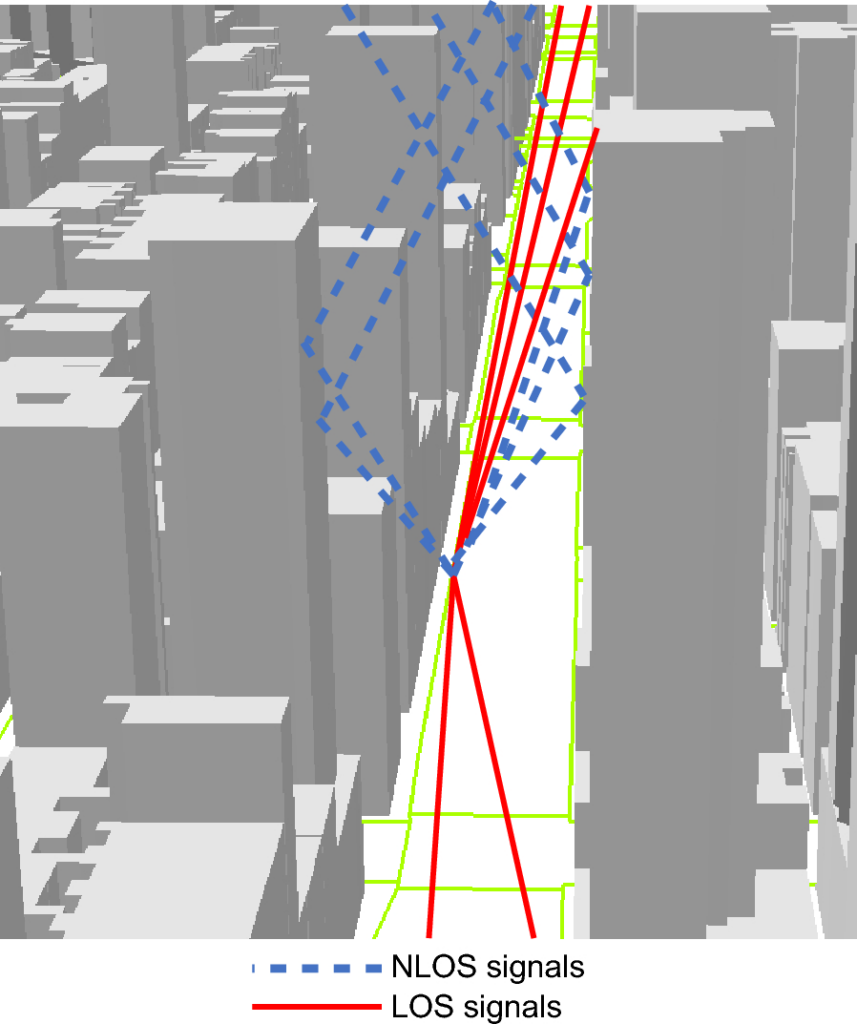
- Urban canyon: buildings add 10–30 dB of extra path loss and block the sky view, dropping satellites below the tracking threshold.
- Foliage and tunnels: dense canopy or any full obstruction cuts the signal entirely.
- Atmosphere: ionospheric delay and geomagnetic activity (the Kp index) degrade accuracy temporarily, though rarely cause a full outage.
Human-Made Interference (Jamming)
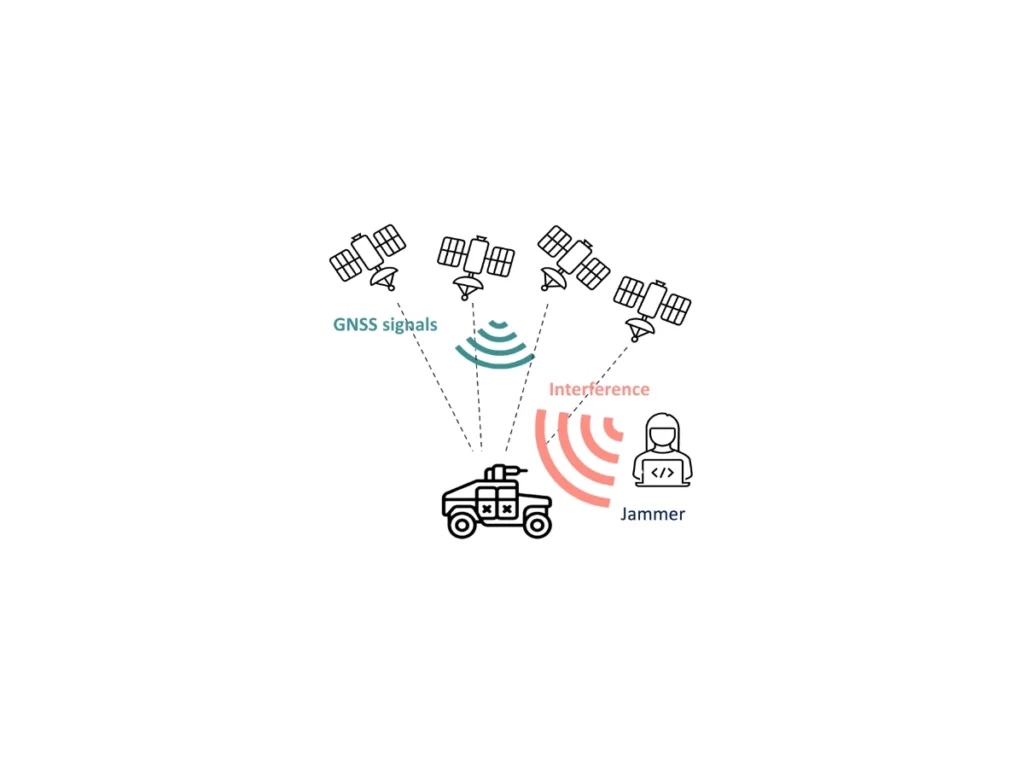
The fastest-growing cause is intentional or accidental jamming. A cheap RF device, a malfunctioning inverter, or a regional denial system broadcasts noise on the GNSS bands. Representative reach: a 1–10 W handheld can deny fixes over tens to hundreds of meters; higher-power fixed jammers reach kilometers. If many nearby devices lose GPS together, interference is the prime suspect.
Spoofing and Signal Hijack
Sometimes the receiver still reports a position—but the wrong one. Spoofing feeds false signals, which can look like a sudden unexplained jump. This appears near contested sites and sensitive corridors.
Device and Installation Factors
- Obstructed or poorly placed antenna (under a roof, near metal).
- Damaged cabling or poor grounding injecting RF noise.
- Outdated firmware that cannot track modern signals such as GPS L5 or Galileo E5.
Diagnostic Decision Table
| Symptom | Likely cause | First action |
|---|---|---|
| Only one device fails, open sky | Hardware / antenna | Swap device, check antenna |
| Many devices fail together, same area | Interference | Check for jamming |
| Position jumps but stays “locked” | Spoofing / multipath | Verify against INS / map |
| Fails only in cities / tunnels | Obstruction | Relocate antenna, add external active antenna |
| Intermittent, weather-linked | Atmosphere / foliage | Retry, use augmentation |
How to Restore Reliable GNSS
Start by checking for interference. Where jamming or spoofing is present, amplification will not help—you need filtering and nulling. Our anti-jamming antennas and receivers are built for exactly these conditions. For environment-only issues, repositioning the antenna or adding an external active antenna usually resolves the drop.
FAQ
Q: Will a signal booster fix a GPS outage?
A: No. Amplifiers also amplify interference. The right fix is filtering and nulling, not gain.
Q: How do I know if it’s jamming or just bad reception?
A: If multiple devices fail together in one area, suspect interference. Single-device failures are usually hardware or obstruction.
Q: Where can I see live GNSS disruption?
A: Crowdsourced interference maps show hotspots, though they have limits.